Match
Point it at a room.
Show the graph a photograph and it reads the surfaces — the timber, the tile, the stone — then answers with real products from the live catalog, each scored by how closely the material matches. The 2 scenes below were matched end to end by the real engine; every card links to the public record it came from.

A hotel lobby: fluted timber panelling, textured tile, stone counter
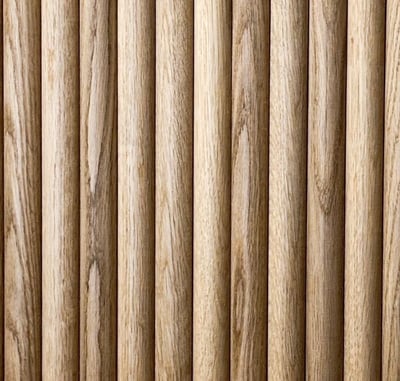
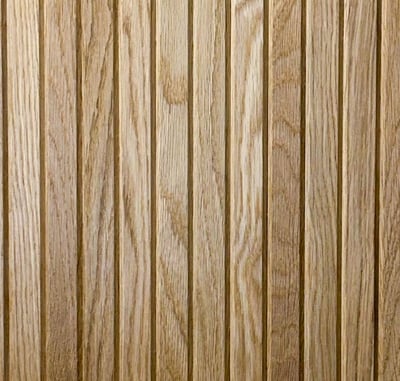
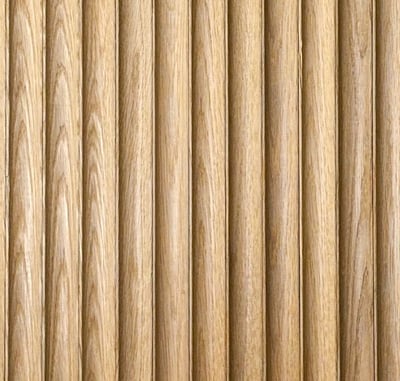
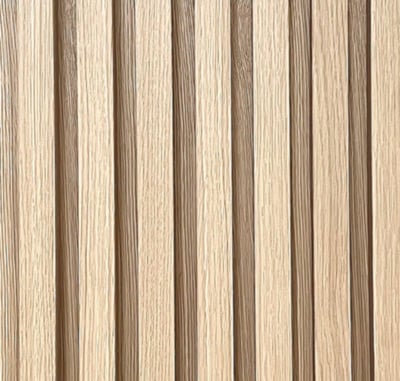
Surfaces detected and products matched by the live engine, 2026-08-06. Match strength is visual likeness against the product’s imagery — floored, never rounded up.
How a photograph becomes an answer.
It reads the room
A vision pass finds the material surfaces — the wall, the floor, the counter — and crops each one out of the photograph.
One fingerprint per material
Every record in the catalog carries a 2048-dimension embedding of its imagery — the material's fingerprint. Each crop gets the same treatment.
The nearest records answer
The crop's fingerprint is compared against the whole catalog. The closest records come back scored, colour-checked, and sense-checked before they are shown.
Honesty
What the score is — and isn’t.
A match score is visual likeness against the product’s photographed imagery — never an equivalence of specification. A 90% match looks like the surface; whether it belongs in the project is a question the record’s typed values answer, not the score.
Some surfaces return nothing. A thin counter edge or a sheer curtain rarely crops cleanly enough to fingerprint, and a surface that can’t be resolved with confidence is left off the page rather than guessed at — the graph never guesses.
For machines
The same question, over the API.
Everything this page shows is one endpoint: post a photograph, stream back the surfaces and their matches as they resolve. The same lane is a typed MCP tool, so an agent can ask with a picture too.
Explore the developer surface →curl -X POST https://beta.materialgraph.com/api/v1/search/match \
-H "Authorization: Bearer mg_read_..." \
-H "Content-Type: application/json" \
-d '{"imageUrl": "https://example.com/room.jpg"}'